
Back to chat
Ignitor Builder
Style
Header
Footer
Ignitor BuilderClick to start editing
Click anything on your pageA heading, a picture or a button — it opens here.
Or start from
Shop styleLogo, colours and text styles
HeaderMenu, logo and links
FooterLinks and contact details
HeadingCollections
Page › Collections › Heading
TextPicturesLayout
ContentStyle
TOP COLLECTIONS
The words exactly as they appear on the page.CancelSave
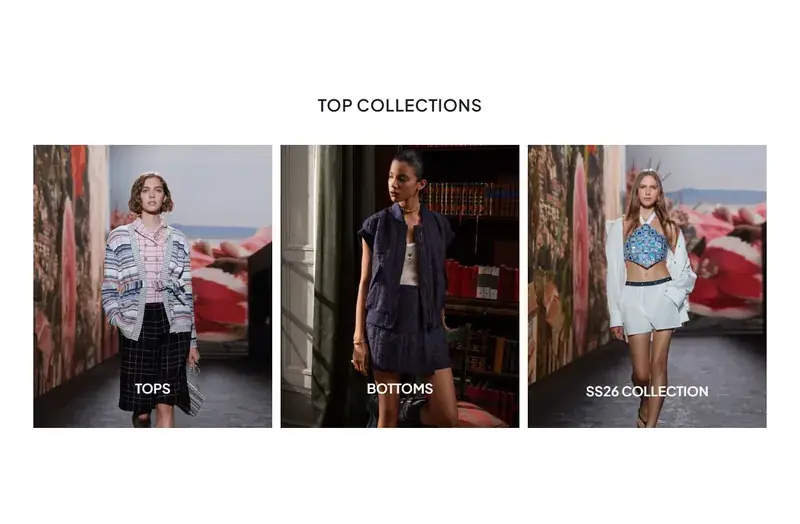
TOP COLLECTIONS
Saved. Your store shows the change.
- 1
Open your store's chat
Go to My Websites in your dashboard and open the store's chat, or stay in the chat after your build.
- 2
Ask for the change
Be specific about where and what: "make the banner darker", "change the heading in the about section to Our Story", "show eight products".
- 3
Check the result
The page updates when the change is done. If it is not what you meant, ask again in different words — or use Undo.